Parental control for Android
 KidProtect
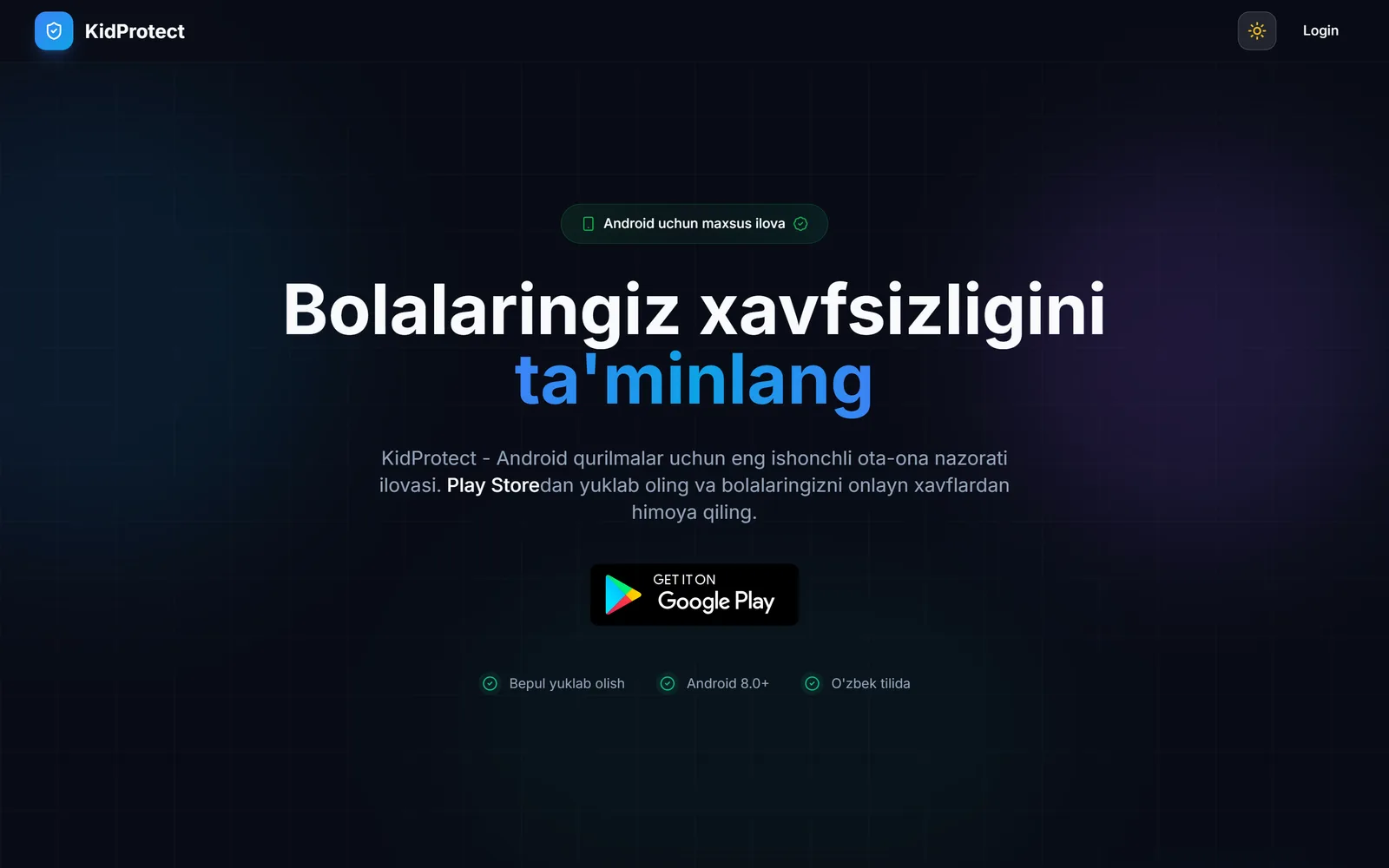
Parental control for Android: location, screen time, app limits and SOS. I built the backend, the admin panel and the payments through Click and Payme.
- Period
- 2026
- Role
- Backend and web panel
- Android apps
- 2
- Payment systems
- 2
- Languages
- 3
My contribution
- 01
One backend for the Parent and Kid apps, the admin panel and the site: .NET 10, Clean Architecture, PostgreSQL and Redis.
- 02
Pairing devices by QR: a 6-digit code refreshed over SignalR every 30 seconds and usable once.
- 03
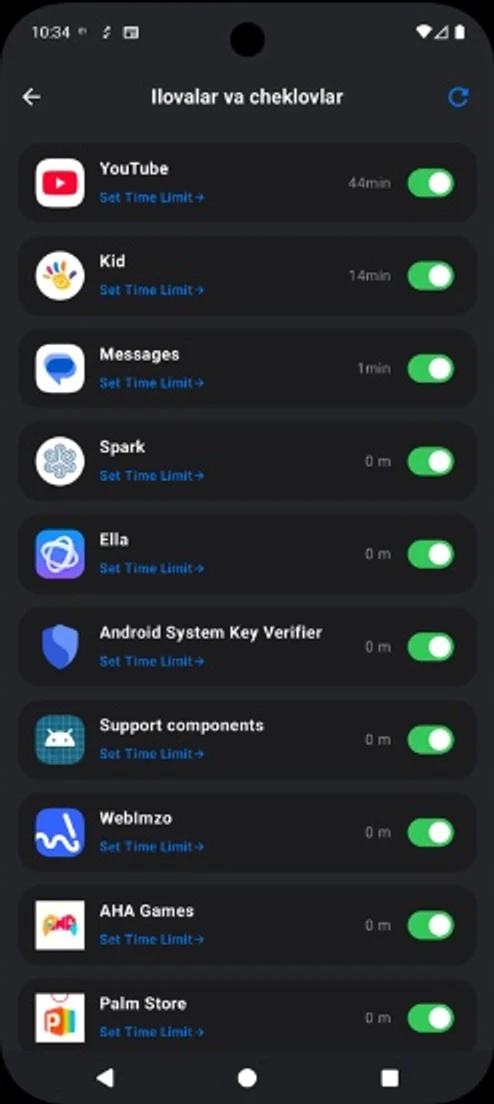
Location and safe zones, the list of apps, daily limits and screen-time statistics.
- 04
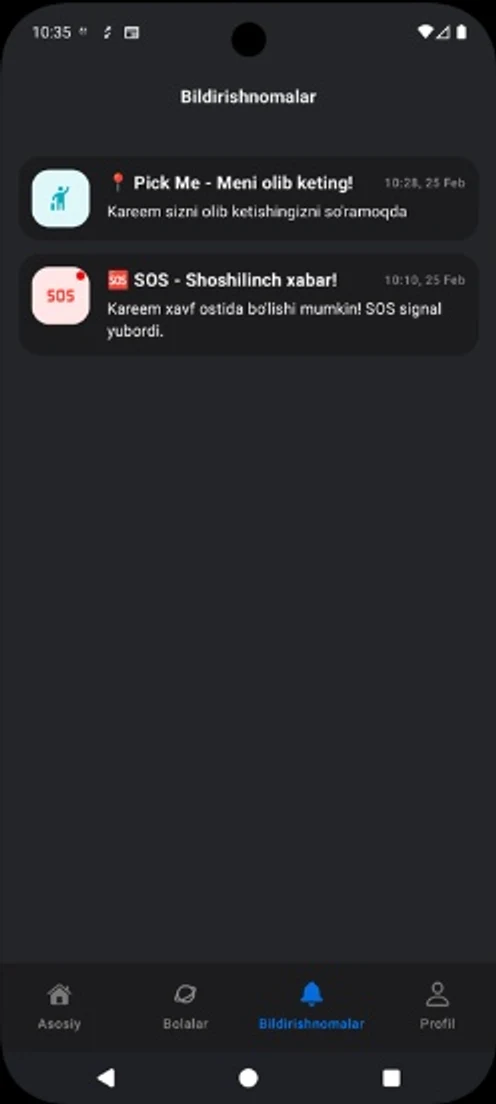
Remote commands and alerts (SOS, “Pick me up”) through Firebase Cloud Messaging.
- 05
Plans, a wallet, payments through Click and Payme, a partner programme.
- 06
Sign-in with Google, two-factor confirmation and passkeys; everything managed from the admin panel.
Stack
- C#
- .NET 10
- ASP.NET Core
- PostgreSQL
- Redis
- SignalR
- Firebase Cloud Messaging
- React
- TypeScript
- Docker
(03) — Product
Calm control over a child’s phone.
KidProtect is a parental control service for Android. The parent uses the Parent app and the Kid app goes on the child’s phone: location on a map, screen time, app limits and blocking, SOS and “Pick me up” signals.
It is a project of my own. I wrote the backend from scratch and put together the admin panel and the site as well.
(04) — The app
What a parent sees in the app.
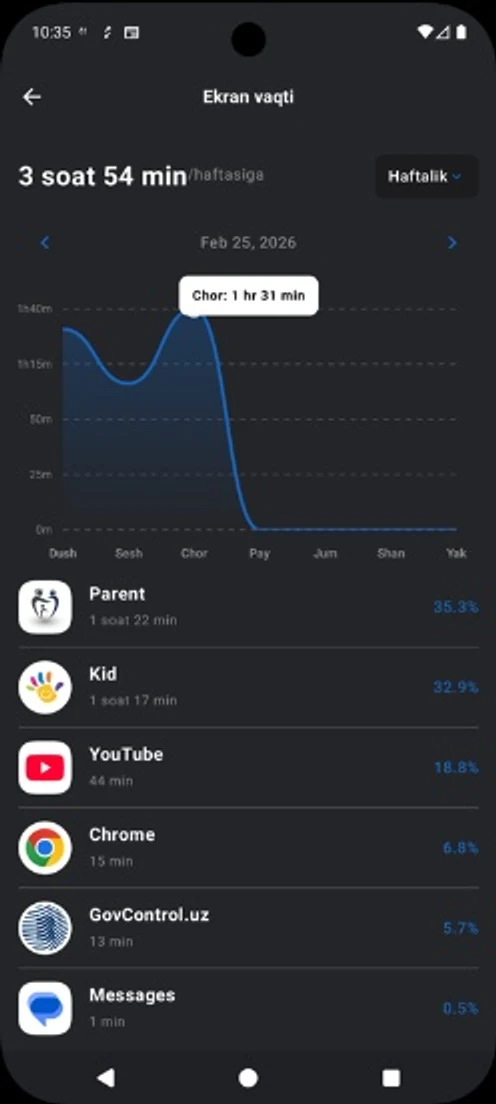
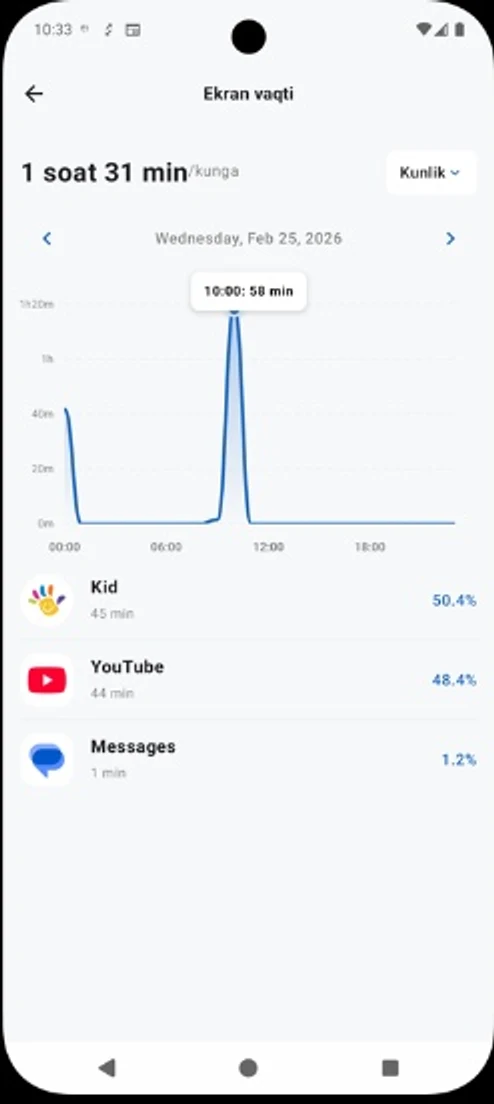
Everything the app shows — the list of apps, limits, alerts, charts — comes from the backend. The screens below were taken with test data.
(05) — How it works
From pairing to an alert.
- 01
Pairing
The Kid app shows a QR and a 6-digit code. The code is refreshed over SignalR every 30 seconds and works only once. The moment the parent scans it, the child’s phone learns it has been linked.
- 02
The rule
A block or a limit is first written to the database, then sent to the device through Firebase. If the push cannot be sent the change is rolled back, so the server and the phone never disagree.
- 03
The data
The phone sends its location and how long each app was used. Moves of less than 20 metres are dropped, and points recorded offline keep their true time. A day’s total that is sent again overwrites the old one.
- 04
The alert
SOS, “Pick me up”, entering or leaving a zone and a used-up limit reach the parent as a push and stay in the history.
- 05
The plan
A plan is paid from a wallet inside the app, and the wallet is topped up through Click or Payme.
(06) — Backend
One backend, two services.
The backend is written in .NET 10 along Clean Architecture lines and runs as two services: the API and the background jobs. PostgreSQL is the main store; Redis is the cache, the locks and the SignalR backplane.
Sign-in and security
JWT with refresh tokens, revocable sessions, Google sign-in, two-factor confirmation (TOTP) and passkeys.
Access by plan
Every feature is tied to a plan. When a request comes from a child’s device, it is the parent’s active plan that is checked.
Two payment systems, one wallet
Click and Payme speak different protocols, yet both land in one payment session. The session is guarded by a lock, so a repeated callback cannot top the wallet up twice.
Background jobs you can steer
Schedules (cron) live in the database: an admin can pause a job, run it by hand and watch its progress live. A lock keeps it from running twice at once.
From the app to the web
The web checkout opens from the app with a short-lived single-use token, so there is no second sign-in.
Delivery
A separate Docker image for each service, a Jenkins pipeline, and a health check after start-up.